Booking a classroom - TimeEdit
TimeEdit -Booking a classroom
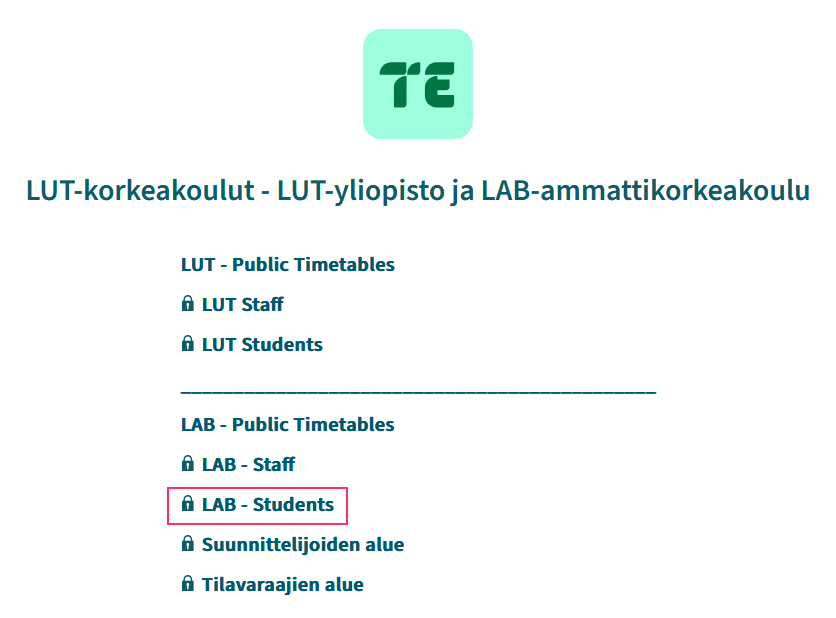
Login to TimeEdit, LAB Student are, use your HAKA-ID.
Note! Classroom reservations can only be made at the Lappeenranta campus.
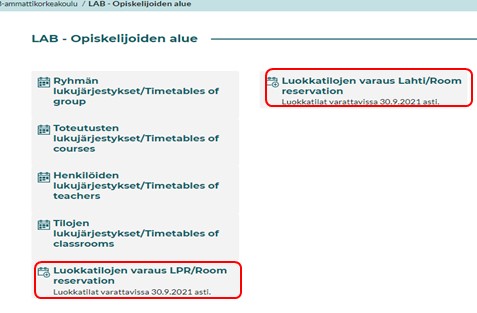
Search for a free classroom
You can search for a free classroom by type 1., category 2., number of places 3. or dates 4.
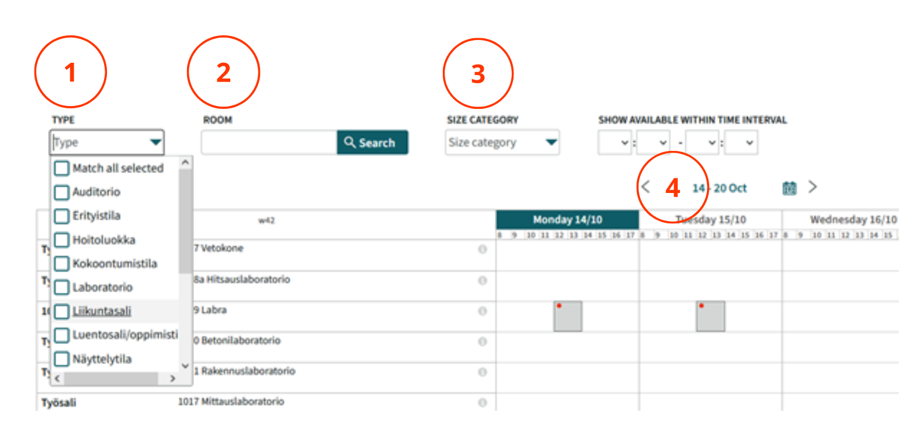
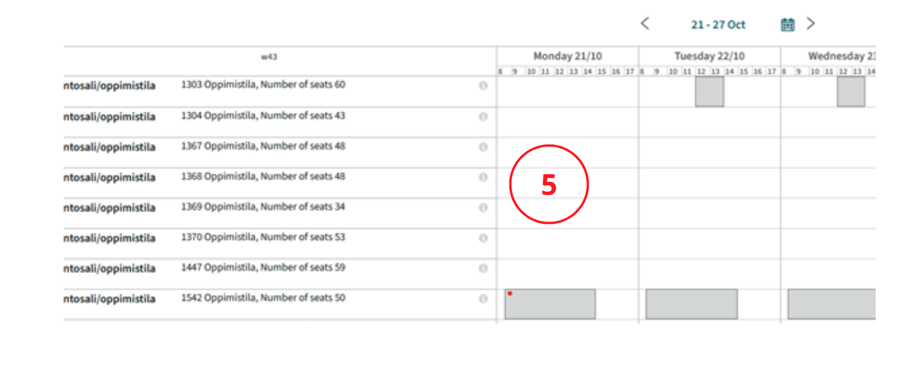
Or you can select the classroom and time you want directly from the list (number 5).
Free classrooms are in white, reserved rooms in grey.
How to book a classroom
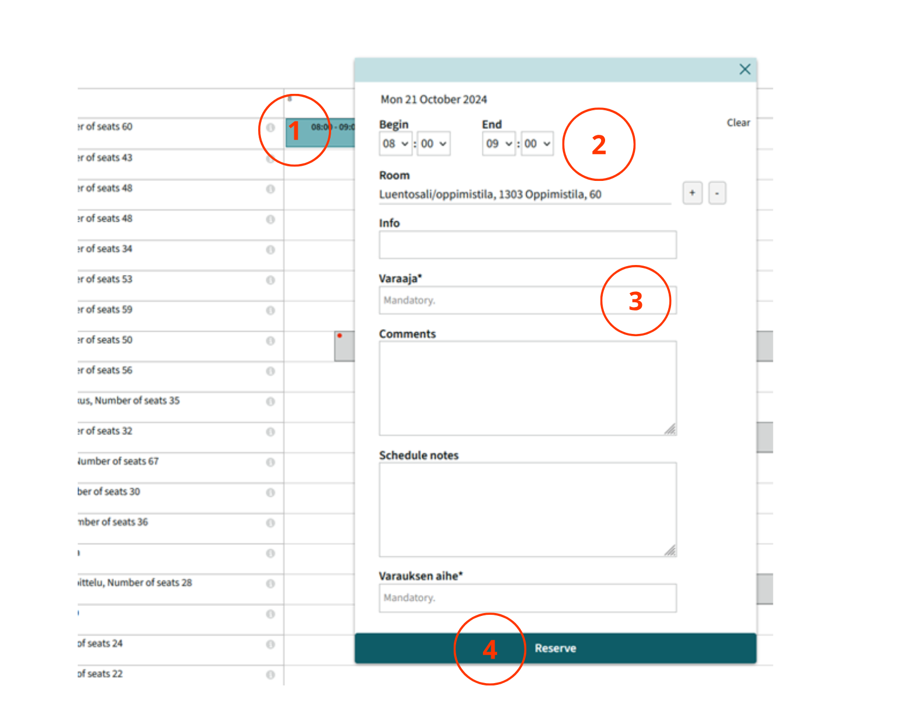
- Press on the room and the right day for which you want to make a reservation.
- the window that opens, you can see the situation for that day:
- Edit the start and end time if necessary.
- Add the person who booked the reservation, the time of the reservation (mandatory information) and other information as required.
- The plus (+) sign adds more rooms and the minus (-) sign removes them.
- Book
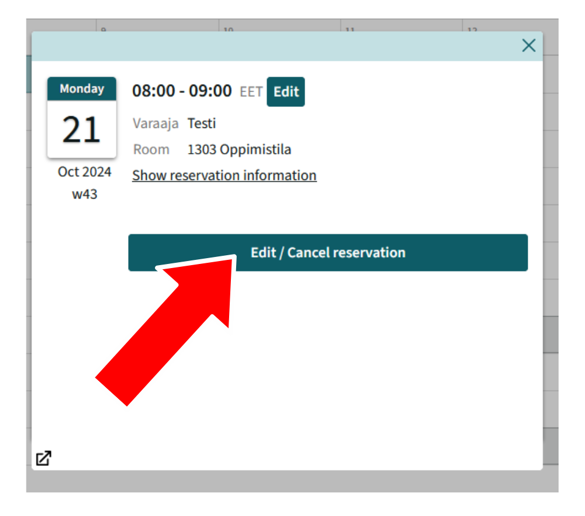
Cancelling/changing a reservation
- Choose the right reservation
- Press change or cancell
- Make the necessary corrections -> and press Done OR press Cancel to cancel the entire reservation.