
Sisu – Cancelling Registration
You can cancel your registration for an implementation if the implementation has not yet started, or if it has started but the cancellation period is still open. If cancellation is no longer possible, you usually have the option to withdraw from this course.
Proceed as follows:
- Go to the Registration tab.
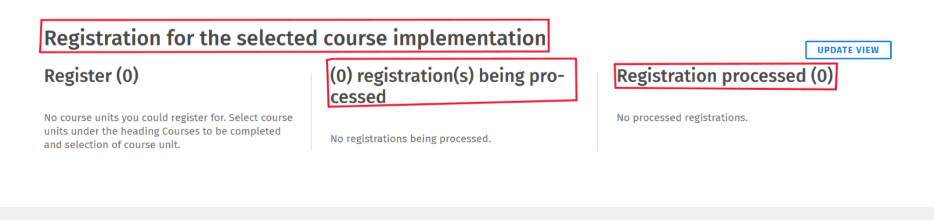
- Scroll down to Registration for the selected course implementation. Your registration will be shown under either registration(s) being processed or Registration processed.
- Select Cancel or withdraw from this course, depending on the situation.
If you are unable to cancel your registration using this method, please contact the Responsible teacher for the course.