Sisu - My profile
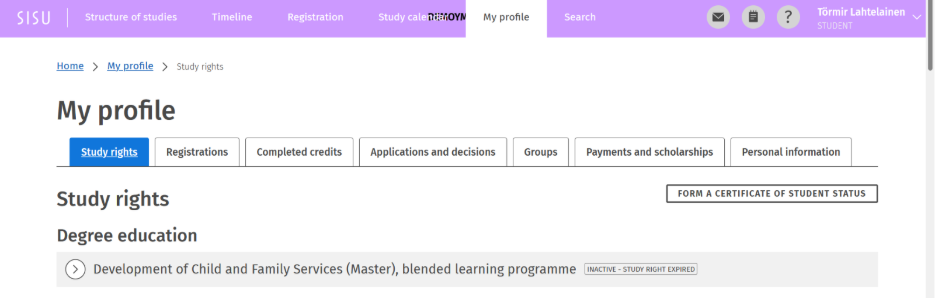
My profile section can be found in the top navigation bar of the student’s Sisu. In the My profile section, you can find personal information, study rights, registrations, applications and decisions, groups, payments and scholarships and personal information.
Registrations
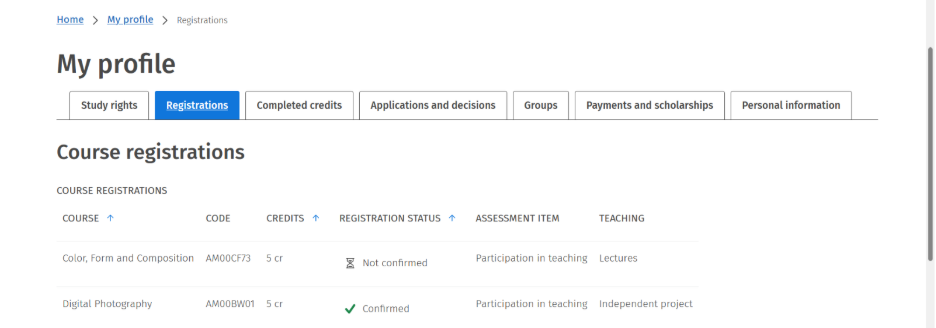
On the Registrations tab, the student can see their registrations for course implementations, listed by course. For each implementation, the following information is shown: the name of the course, the number of credits of the implementation, the status of the registration (whether the registration is still pending, the student has been accepted and the registration confirmed, or the registration has been rejected), assessment item, and the teaching group. The list can be sorted in ascending or descending order by credits, as well as by registration status.
Completed credits
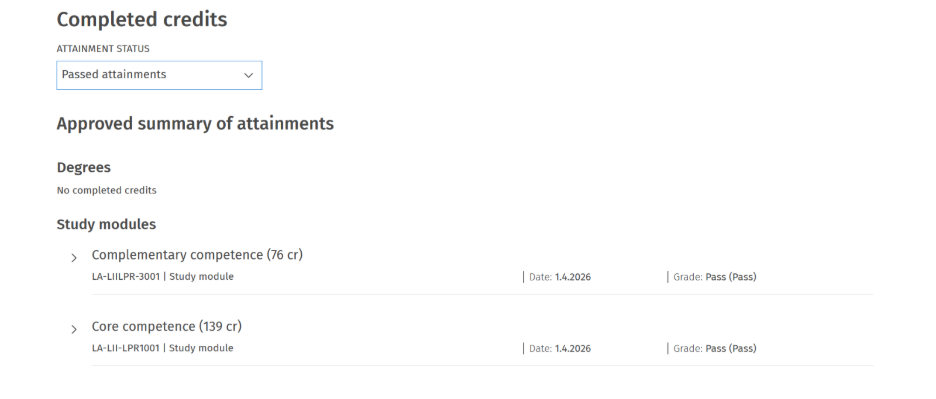
On the Completed credits tab, the student can view information on completed degrees, study modules, courses, and partial completions. By clicking on a completion entry, more detailed information about the completion can be viewed. Completions can be sorted by category (modules, courses, partial completions) and by name, scope, grade, and completion date. Any personalized completions are shown with a unique code generated by Sisu. Rejected and expired completions can be viewed by clicking Rejected and expired completions.
Applications and decisions
On the Applications and decisions tab, the student can view the applications and requests they have submitted, as well as the related decisions. Applications and decisions include approvals for deviations from the structure of the study plan created via the study plan, as well as applications for credit transfer and substitution, requests for the composition of a study module, and graduation requests. By clicking on an application entry, the student can view the details of the application and, for example, cancel the application if it has not yet been processed.
Groups
On the Groups tab, the student can see which target groups and guidance groups they belong to. The group details show the group name, the type of the group (guidance group / target group), and the persons responsible for the group.
Payments and scholarships
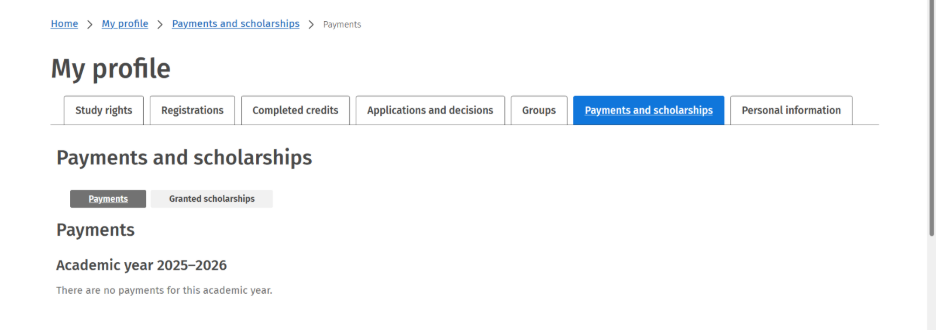
On the Payments and scholarships tab, paid tuition fees and any scholarships that have been granted are displayed.