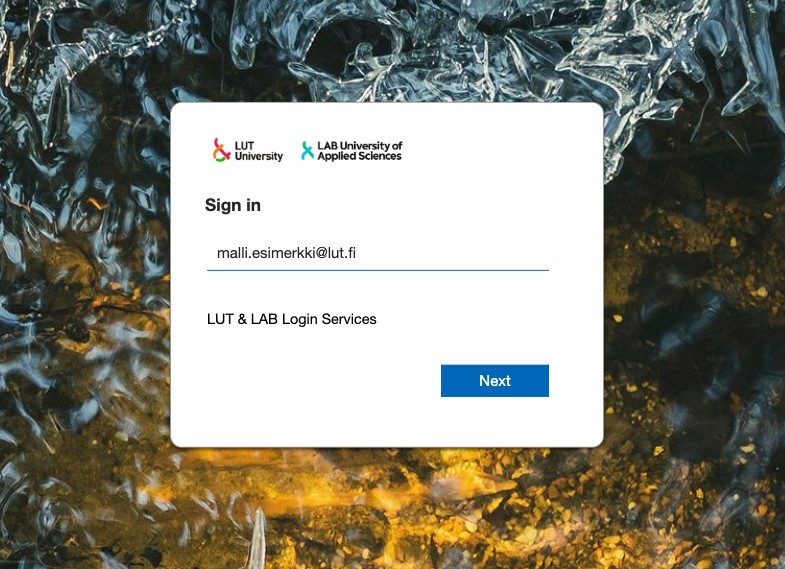
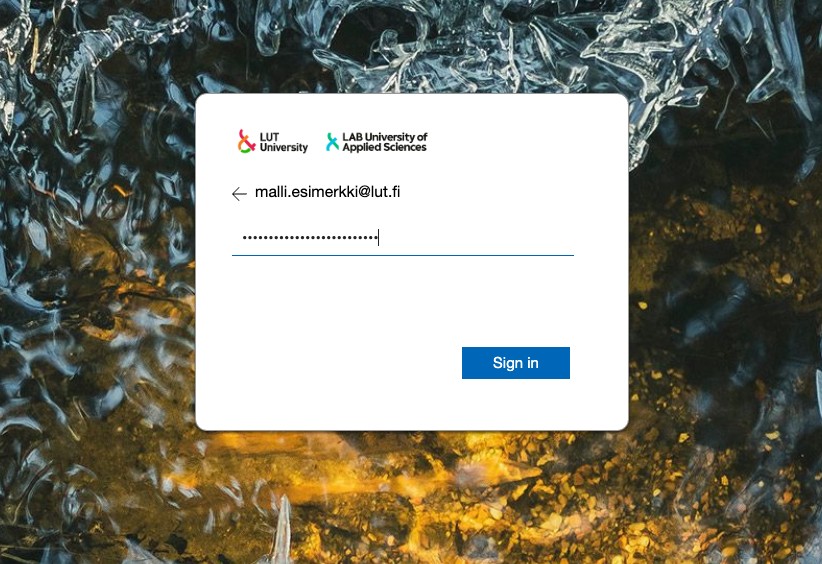
LUT ID and signing in
Problems with the Duo MFA?
For matters related to Duo MFA, see the Duo MFA page.
- All LAB students and employees have a personal AD domain username, i.e. a LUT account.
- To receive the account, you must comply with the security rules.
Activating the account
- New students will receive an email from student.ithelpdesk@lut.fi to their personal email address when the LUT account is ready for activation.
- User accounts are activated in the LUT Account service, address https://id.lut.fi if you have personal identity code and Finnish online banking credentials. Log in to the service with your online banking codes, mobile certificate or ID card.
- Video guide for activating your account
- If you cannot activate your account through this channel, check the instructions:
You need a valid international passport with you, and you have three options how the account can be activated:
Activating LUT account without Finnish banking credentials:
New students (LAB):
Using LUT account:
- Use your account to sign in to Moodle, Office 365 services, etc.
- The email address is in the form firstname.surname@student.lab.fi.
- Test the functionality of your account by logging in to the email at: https://outlook.office.com/lab.fi
Password:
Password instructions:
- The password must be at least 16 characters long and meet the conditions defined in the LUT Account service.
- Change a forgotten or expired password through the LUT Account service.
- The password is valid for 1 year, after which it must be changed.
Logging in to the services:
Login instructions:
Use your LAB email address or username and password. Logging in is different for different services.